Find a customer
Search by name, email or phone, and sort the results.
Customer sync for multi-POS teams
Keep names, email addresses and phone numbers in sync across Square, Lightspeed Retail X-Series and Kounta. You choose when changes can be sent.
One operational view
See what changed, which accounts share a customer, what is still in progress, and what needs attention.
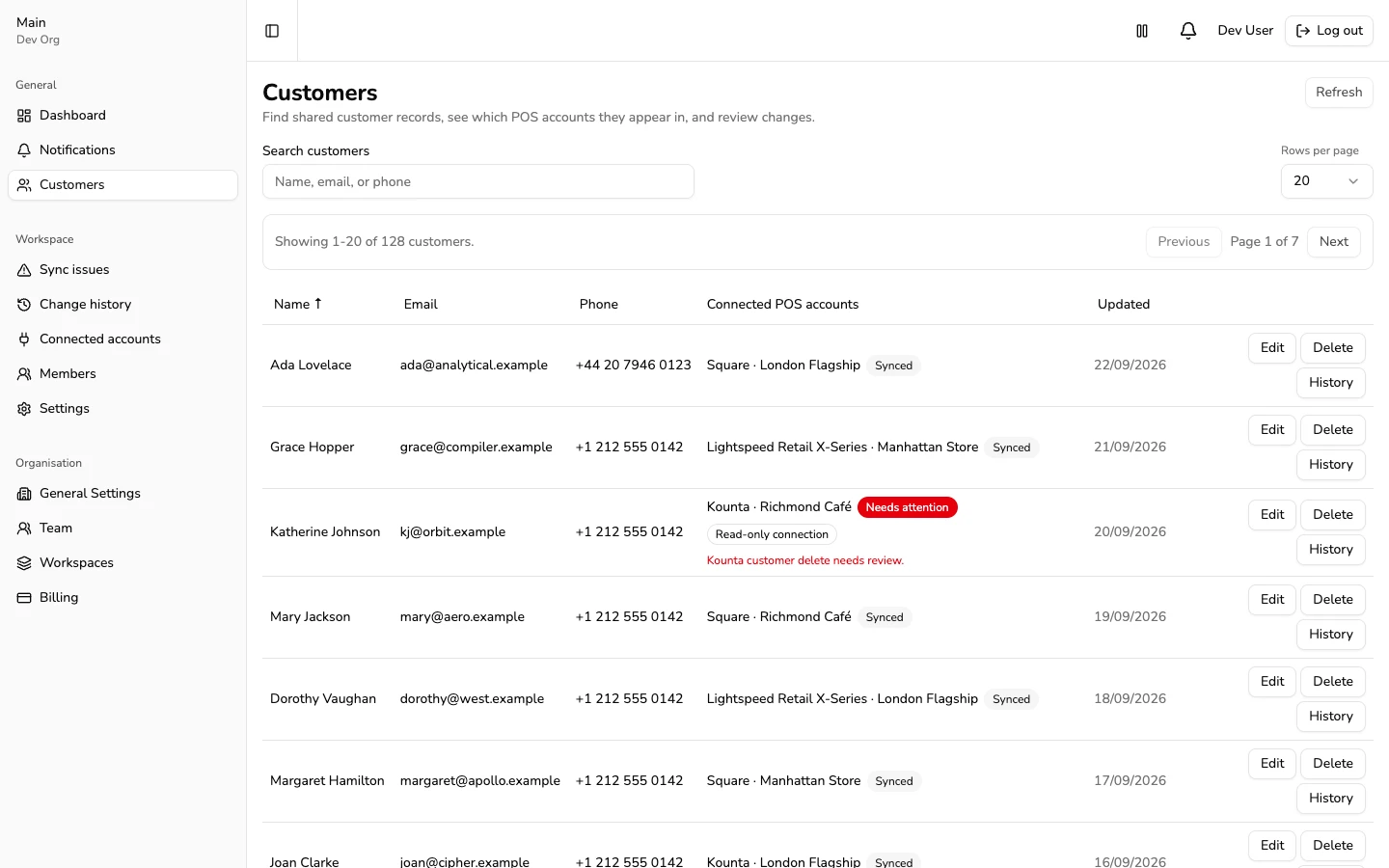
Search by name, email or phone, and sort the results.
Check where a customer appears and which account supplies their details.
See the affected account or customer and the next action to take.
Getting started
Connected accounts start in read-only mode. Review imported customers and your settings before POS-Sync sends any changes.
Start with the POS account that has your current customer records.
Connect another supported POS. It starts in read-only mode.
Choose which account supplies customer details, how deletes work, and review the cost. You can cancel during the five-minute wait.
Controls people can understand
Choose which account supplies customer details and whether deletes are sent to each connected account. You can pause sync and still view billing and change history.
Common questions
On first live activation, after the five-minute cancellation window. Registration and read-only setup do not start it.
Yes. Billing follows active organisation-wide connections. Disconnected and pre-activation connections do not count.
Kounta cannot receive customer deletes through its supported interface. POS-Sync flags the customer for review instead of reporting that the delete worked.
Catalog sync is not part of this launch. POS-Sync currently focuses on customer records.
Ready when you are