Customer details that sync
Names, email addresses and phone numbers can move between accounts. Details unique to one provider stay with that provider.
Supported POS integrations
Connect Square, Lightspeed Retail X-Series or Kounta. Choose which account supplies customer details and review the setup before changes go live.
Connect Square, review imported customers, and choose how updates and deletes work before live sync begins.
Explore Square → L Customer syncShare names, emails and phone numbers from Retail X-Series while keeping details specific to that provider in place.
Explore Lightspeed Retail X-Series → K Customer syncShare customer names, emails and phone numbers with Kounta. You can keep the connection read-only. Kounta customer deletes are flagged for review.
Explore Kounta →Supported pairings
Start with any supported provider. Each new connection starts in read-only mode.
Square↔Retail X-Series
Square↔Kounta
Retail X-Series↔Kounta
Operational visibility
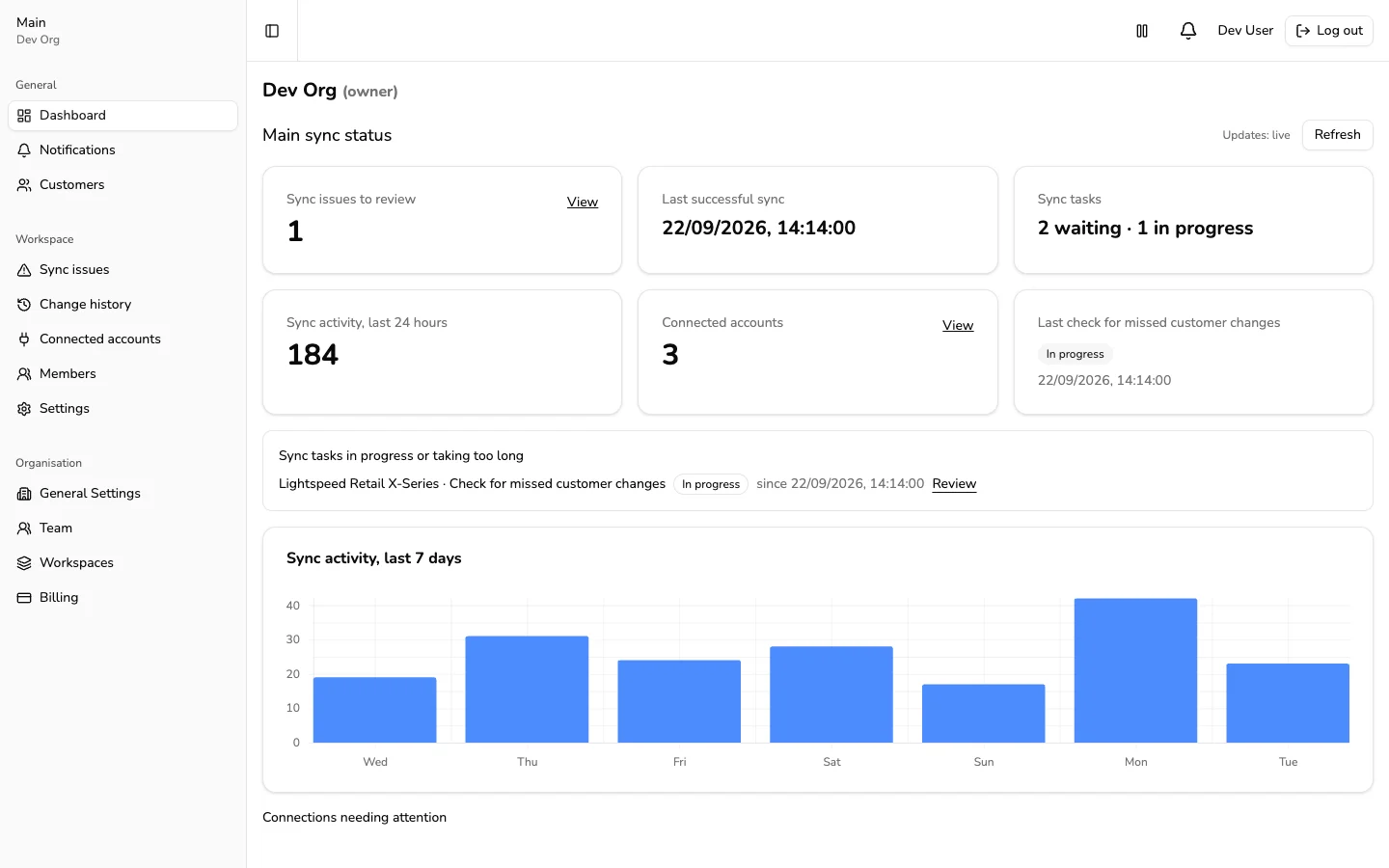
See which connections are working, which changes are still in progress, and which customers need attention. Each issue links to the affected account or record.
Current limits
Names, email addresses and phone numbers can move between accounts. Details unique to one provider stay with that provider.
Square and Retail X-Series can receive customer deletes. Kounta cannot, so POS-Sync flags those customers for review.
POS-Sync currently syncs customers. Product catalogs, customer merge and split, and bulk duplicate cleanup are not included.